
WebP vs AVIF vs JPEG: which is smallest at the same quality?
By Altaf Ahmed. Written on . Posted in Tutorials.
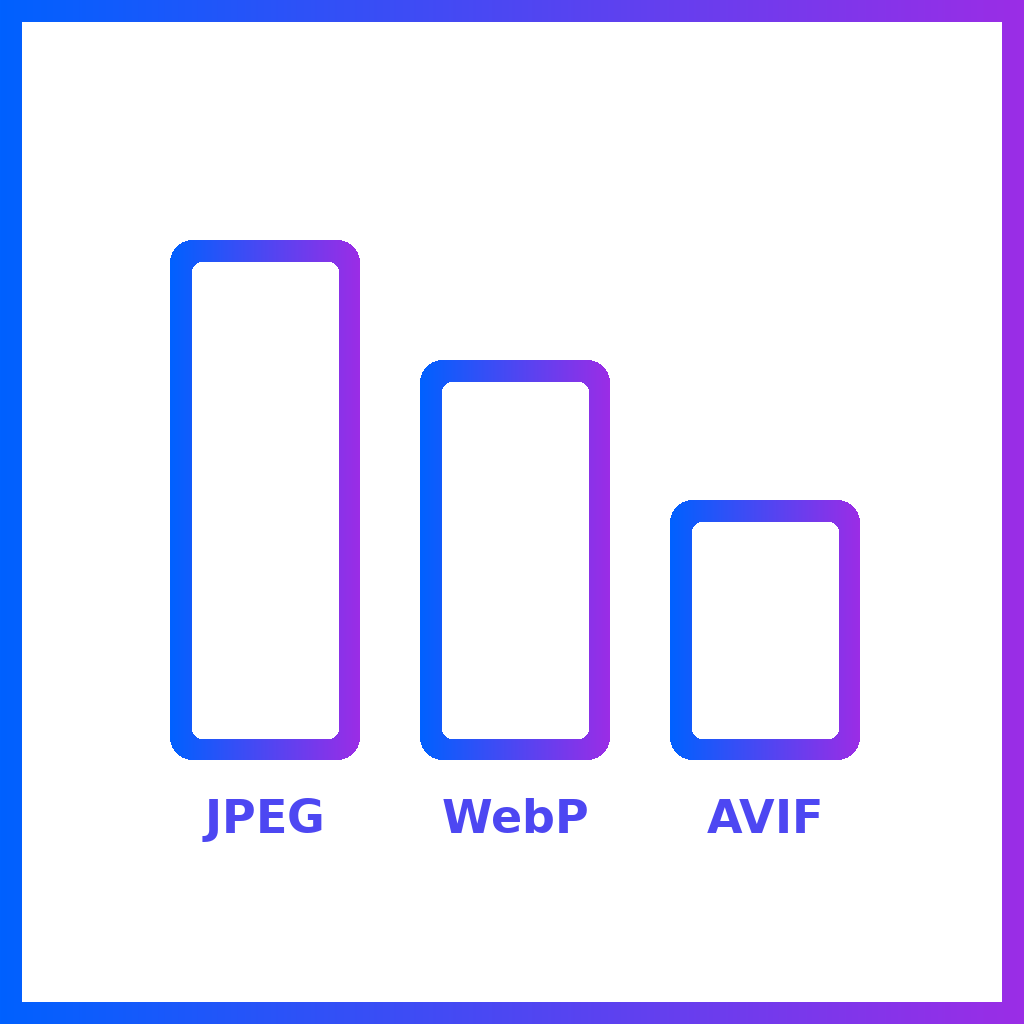
You'll often read that WebP is 25–35% smaller than JPEG and AVIF is around 50% smaller. Those figures usually come from comparing formats at the same "quality" setting, but quality 80 in one encoder doesn't mean the same thing as quality 80 in another. We wanted to know how the formats compare when the output actually looks equally good.
How we tested
- Six images at 1920 pixels wide: four photographs (clouds reflected in water, the northern lights, Mount Fuji at dusk, and a colourful lightbulb on black) and two flat, illustration-style landscapes.
- Encoders: libjpeg-turbo 2.1.5 for JPEG, libwebp 1.3.2 for WebP, and libheif 1.17.6 for AVIF, all at default settings apart from quality.
- Equal quality: for each image and format, we searched for the lowest quality setting whose output scored at least 0.98 SSIM against the original. SSIM is a standard measure of how structurally similar two images are; at 0.98 the difference is hard to see at normal viewing size. We also repeated the test at a stricter 0.99.
One caveat: SSIM was measured on brightness, which is where the eye is most sensitive to detail, and colour accuracy wasn't scored separately. Treat these results as a well-controlled comparison, not the final word on every image.
Results at equal quality (SSIM 0.98)
| Image | JPEG | WebP | AVIF |
|---|---|---|---|
| Clouds (photo) | 55 KB | 46 KB (−15%) | 24 KB (−55%) |
| Northern lights (photo) | 359 KB | 324 KB (−10%) | 201 KB (−44%) |
| Mount Fuji (photo) | 87 KB | 70 KB (−20%) | 41 KB (−53%) |
| Lightbulb (photo) | 186 KB | 310 KB (+67%) | 144 KB (−23%) |
| Monument Valley (illustration) | 74 KB | 37 KB (−51%) | 15 KB (−79%) |
| Provence (illustration) | 73 KB | 34 KB (−53%) | 15 KB (−80%) |
| All six | 833 KB | 821 KB | 440 KB |
Percentages are relative to JPEG at the same quality.
What we found
1. AVIF is the smallest, every time
On the photos, AVIF files were 23–55% smaller than JPEG at the same quality, and on the illustrations about 80% smaller. Across all six images the AVIF total was just over half the JPEG total. The "AVIF halves your images" claim held up.
2. WebP's advantage on photos is smaller than its reputation
On three of the four photos, WebP saved 10–20% over JPEG, which is real but well short of the usual 25–35%. On the lightbulb photo (dark, noisy and highly saturated) WebP needed quality 98 to match, and ended up 67% larger than JPEG. On flat illustrations, where WebP's encoder does very well, it roughly halved the file size.
3. At very high quality, lossy WebP runs out of headroom
At the stricter 0.99 target, lossy WebP couldn't reach the required quality on three of the four photos at any setting. JPEG at quality 92–97 and AVIF both could. For photography where fidelity matters most, such as portfolios and product zoom images, WebP isn't the best choice.
4. "Quality 80" means different things in each format
To reach the same 0.98 score, JPEG needed quality settings from 39 to 92, WebP from 30 to 98, and AVIF from 27 to 90, depending on the image. Settings aren't comparable between formats, or even between images. If file size matters, compare the actual output, not the number on the slider.
5. AVIF is slower to encode
On our test machine, a 1920-pixel image took a median of 0.07 seconds to encode as JPEG, 0.19 seconds as WebP and 0.42 seconds as AVIF, so AVIF was roughly six times slower than JPEG. That's irrelevant for a handful of images, but it adds up if your server converts images on the fly.
Which format should you use?
- For a website: serve AVIF with a JPEG fallback, using the
<picture>element (our image compression guide shows the markup). Current versions of all major browsers support AVIF. - For illustrations, screenshots and graphics: WebP is a good choice and a big improvement on JPEG, and AVIF is better still.
- For email attachments, uploads and anything shared outside the web: stick with JPEG. It's the only one of the three that every device and program opens.
Convert your images
Image to WebP runs in your browser, has a quality slider, and handles batches. Our AVIF converters, such as JPG to AVIF and PNG to AVIF, run on our server and also have a quality slider, which starts at 50. In our tests, 50 kept the illustrations visually identical to the originals (SSIM 0.99) but softened fine detail in the photos (SSIM 0.94–0.98). The photos needed a setting between 62 and 90 to reach 0.98, so raise the slider for photographs and keep it low for graphics and thumbnails.