
JWT decoded: what's actually inside your auth tokens
By Altaf Ahmed. Written on . Posted in Tutorials.
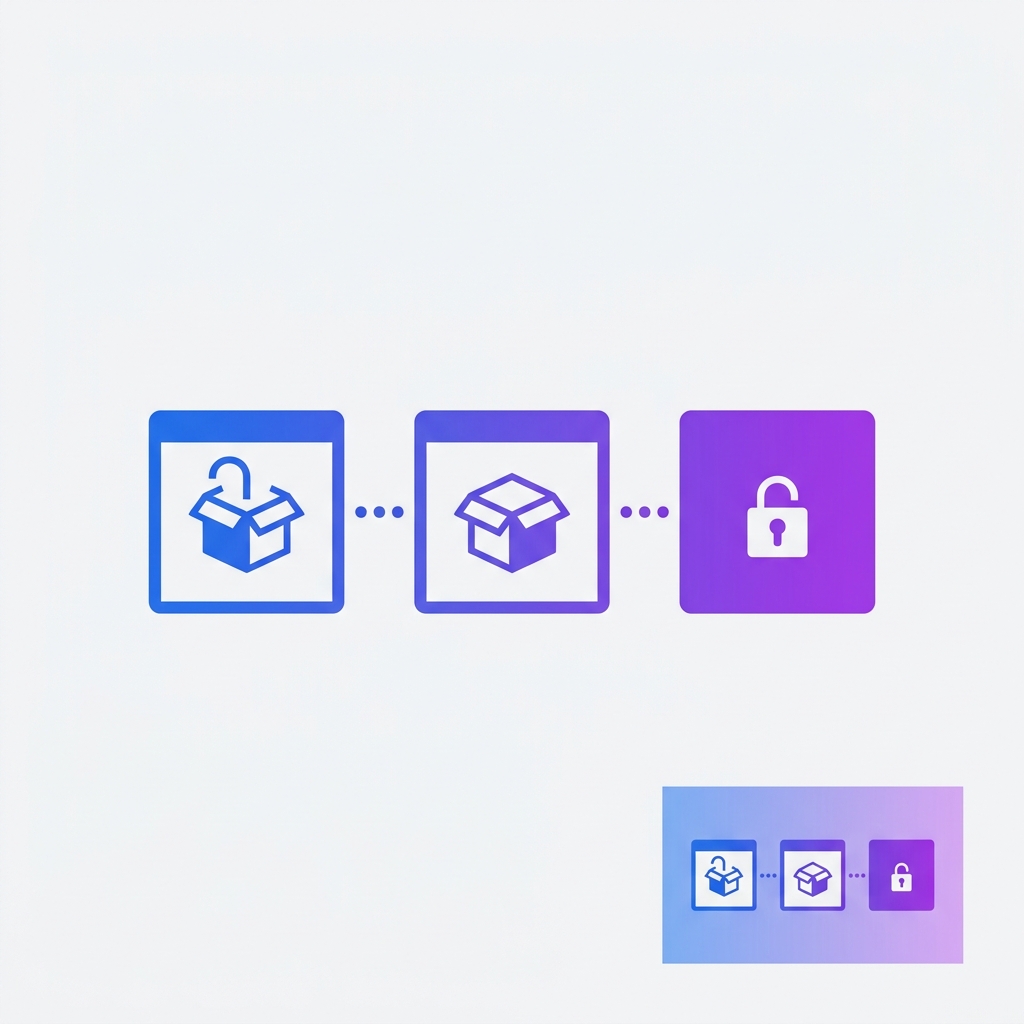
A JWT is three Base64URL strings joined by dots
Split any JWT on its dots and you get three parts: header.payload.signature. The header and payload are just Base64URL-encoded JSON — you can decode them without any key. The signature is what you actually verify.
eyJhbGciOiJIUzI1NiIsInR5cCI6IkpXVCJ9
.eyJzdWIiOiIxMjM0NTY3ODkwIiwibmFtZSI6IkpvaG4iLCJpYXQiOjE1MTYyMzkwMjJ9
.SflKxwRJSMeKKF2QT4fwpMeJf36POk6yJV_adQssw5c
The header
Always contains alg (the signing algorithm) and typ (always "JWT"). Common algorithms: HS256 (HMAC-SHA256, shared secret), RS256 (RSA, public/private key pair), ES256 (ECDSA, faster than RSA).
Security tip: always validate the alg field server-side. The infamous "alg:none" attack tricks naive libraries into accepting unsigned tokens.
The payload — standard claims you will see
| Claim | Meaning |
|---|---|
sub | Subject — usually the user ID |
iss | Issuer — who created the token |
aud | Audience — who should accept the token |
exp | Expiration — Unix timestamp |
iat | Issued at — Unix timestamp |
jti | JWT ID — for revocation tracking |
The signature — what actually makes it secure
The signature is HMAC-SHA256(base64url(header) + "." + base64url(payload), secret). Changing a single character in the payload invalidates the signature. This is why JWTs are tamper-proof but not secret — anyone can read the payload.
Debugging auth issues in 30 seconds
Paste any JWT into our decoder to instantly see the header, payload, and expiry time in a readable format. Useful for debugging 401 errors, checking claim values, and verifying token structure during development.